Accessible PDFs, Done Right
Turn your PDF into a document everyone can read — including people who rely on assistive technology.
How It Works
1
Upload
Upload your PDF — including scanned documents. If we detect a scan with no selectable text, we offer to recover it with OCR first, with your go-ahead.
2
AI Makes It Smart
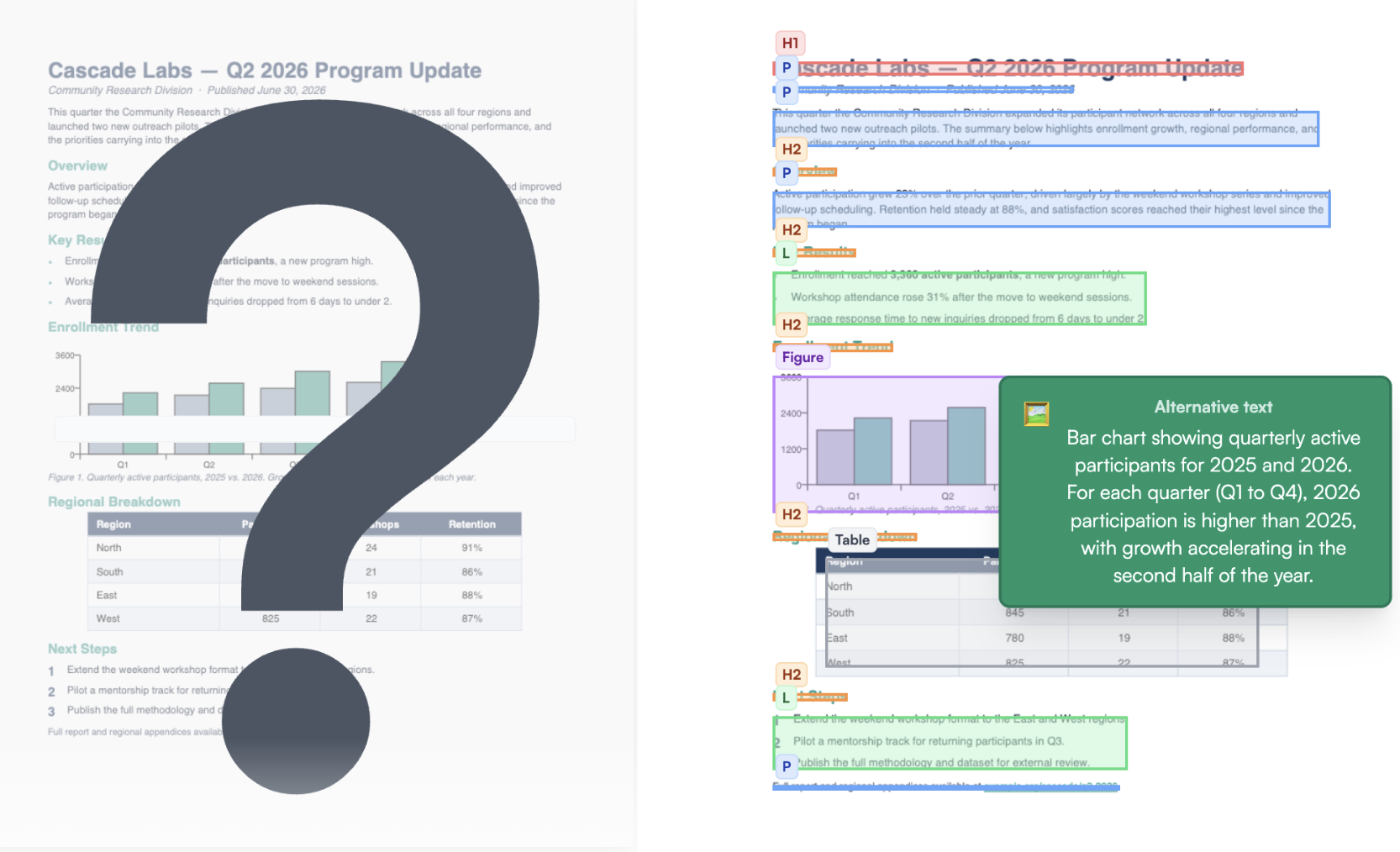
Our AI reads the document to understand its structure: what's a heading, what's a list, what's a table, what images need to be described.
3
Get a Validation Report
The output is run through an industry-standard accessibility validator before it's returned to you. You'll see exactly how it scores and where manual review may still be needed.
Want to see it in action? View Demo Page →
Every Output Includes
- ✓Correct reading order — content flows the way it should
- ✓Semantic structure — headings, lists, tables, and links properly tagged so assistive technology understands them
- ✓Alternate text — important images, figures, and graphics described in context with the page
- ✓Validation report — run through VeraPDF against the PDF/UA-1 profile so you can see exactly how it scores
- ✓Downloadable coverage report — your document checked against every condition of the PDF/UA standard — what was addressed, what needs your review, and the evidence for each — as its own PDF
Who It's For
🏛️
Government agencies
Section 508 and state-level mandates
🎓
Universities & schools
Course materials and public communications
📰
Publishers & media
Reports, books, and newsletters
🌍
Any mission-driven org
Making information available to everyone